Help Centre › VAT (MTD)
Approve your company's VAT return (directors)
4 steps · 2 min · Updated 3 November 2026
- When your accountant sends the return for approval, you get an email from TaxEase UK. Press the link in the email.
- Check the period and the nine boxes.
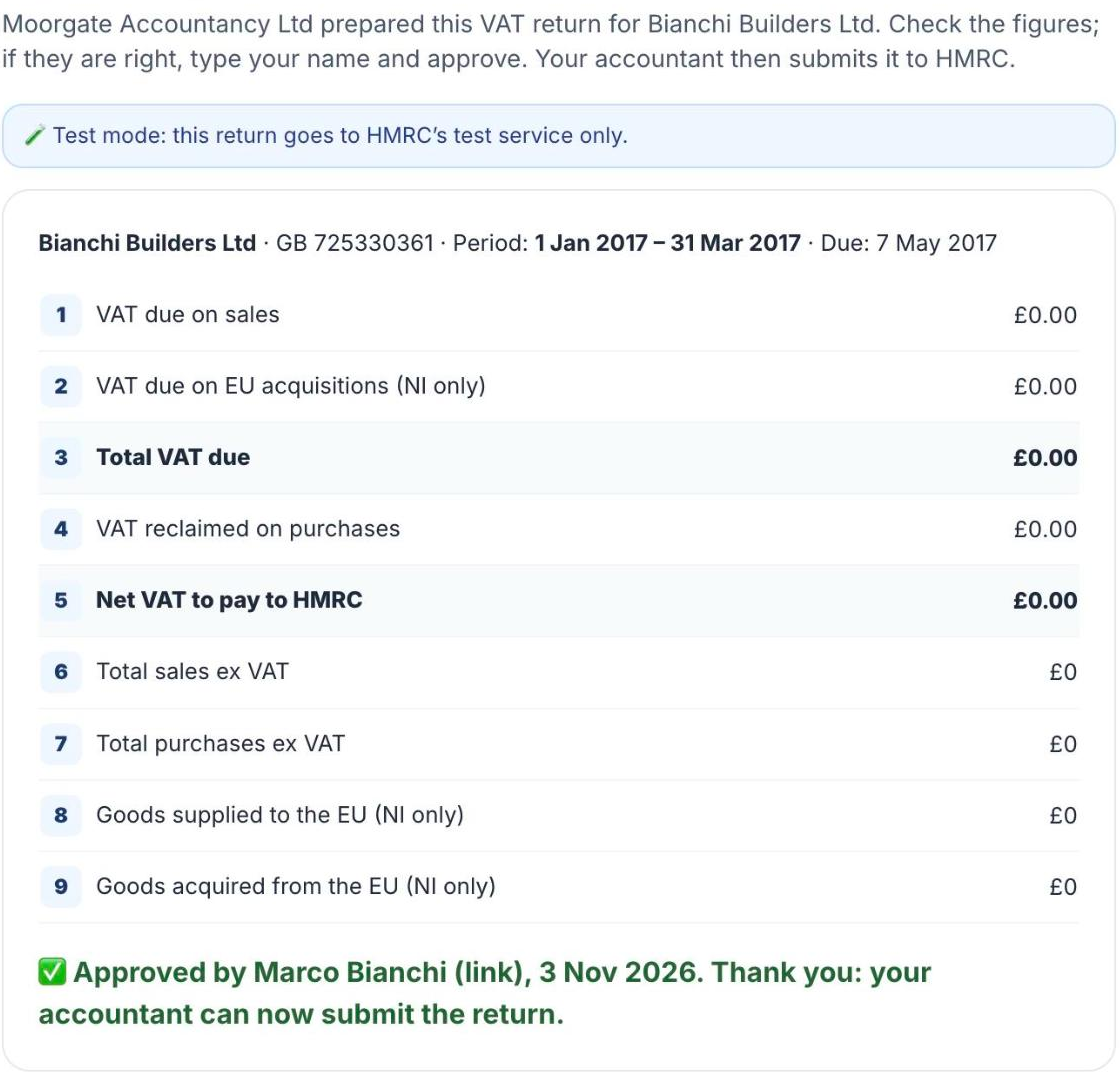
- Type your full name and press I approve these figures. You see Approved by your name and the date.

- That's it: your accountant ticks the declaration and submits the return to HMRC. The receipt is saved in your messages.
Approve from your account instead
- Sign in. On your home page, in your company's box, press Open company →.

- Under Company books, find VAT returns (MTD) and press Open VAT returns.

- Open the period your accountant prepared and press I approve these figures.
If the figures look wrong, do not approve: write to your accountant in the chat.
Was this helpful?Still stuck?or email support@taxeaseuk.com