Help Centre › Self Assessment
Work with your accountant
6 steps · 2 min · Updated 3 November 2026
- Your accountant sends you an invitation by email. Press the link in it; your account opens linked to them.
- Before you start, sign the agreement they sent you, in the app.
- On My Account, the Your accountant box shows your accountant, the languages they speak, and two buttons.
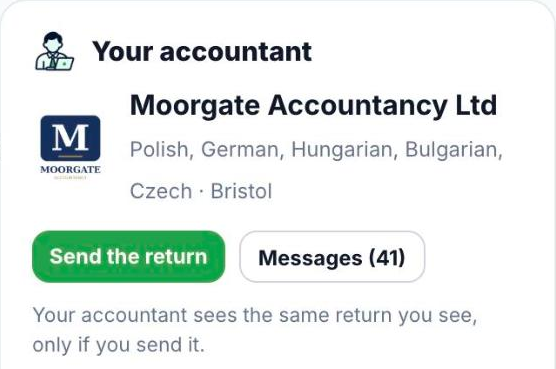
- When your return is ready, press Send the return. Your accountant sees the same return you see, only if you send it.
- Press Messages to chat. You write in your language; they read it in theirs.
- Under What your accountant can do for you, tick the services you want and send the request.
Good to know
- Have more than one file with the same accountant (for example your own and your company's)? Switch between them at the top of your account.
Was this helpful?Still stuck?or email support@taxeaseuk.com