Help Centre › Self Assessment
Understand an HMRC letter
4 steps · 2 min · Updated 3 November 2026
- In your account menu, under Tools, press HMRC letters.
- Drop the letter in the box: a PDF, a photo or a screenshot of an email from HMRC (up to 10 MB). You can also paste the text.
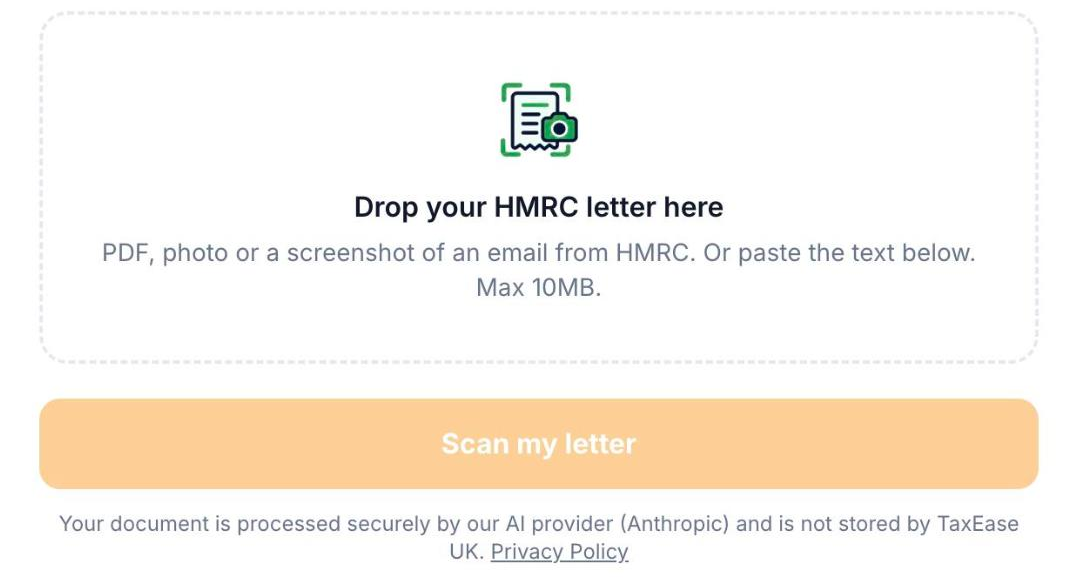
- Press Scan my letter.
- You see what the letter means, by when you need to act and what to do, in plain words, in one of 10 languages.
Was this helpful?Still stuck?or email support@taxeaseuk.com