Help Centre › Self Assessment
Upload statements and receipts
5 steps · 3 min · Updated 3 November 2026
- In the Self Assessment, open step 4, Self-employment. At the top you choose how to fill it in; you can combine them.
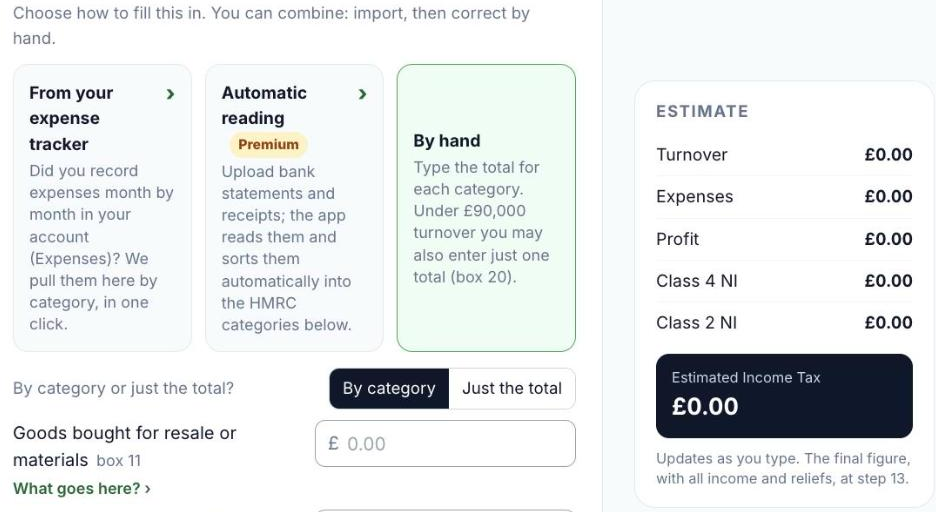
- From your expense tracker: if you recorded your expenses month by month in your account, they come in here by category, in one click.
- Automatic reading (Premium): upload bank statements and receipts. They are read and each line is sorted into the HMRC categories below.
- By hand: type the total for each category. Under £90,000 turnover you may also enter just one total (box 20).
- Check every figure and correct anything. The Estimate on the right updates as you type; the final figure is at step 13.
Good to know
- Without Premium you type the figures yourself; nothing else changes.
- No digital documents? Choose By hand.
Was this helpful?Still stuck?or email support@taxeaseuk.com